EASY TO RECORD
Record with your phone, or import an MP3, M4A or WAV file. Drag on the waveform to keep just the part you want.

Mantras & subconscious in sync
Download on the App StoreBinaural Mantra uses binaural beats to help you reach a focused state of mind, so your chanting and subconscious guidance work even better.
It’s made for people who practice mantras and for those who want to guide their own subconscious. When you chant or work with your subconscious, your own voice works best.
Record a mantra, a prayer, a sutra or the words you want your subconscious to hear, put on headphones and play it as many times as you like. You can also record a long "ooo" or "aah". The app smooths it out and turns it into one continuous tone.
No need to finish 100,000 recitations in one sitting. Each sound remembers where you stopped and how many times it has played, so you can pick up again tomorrow.
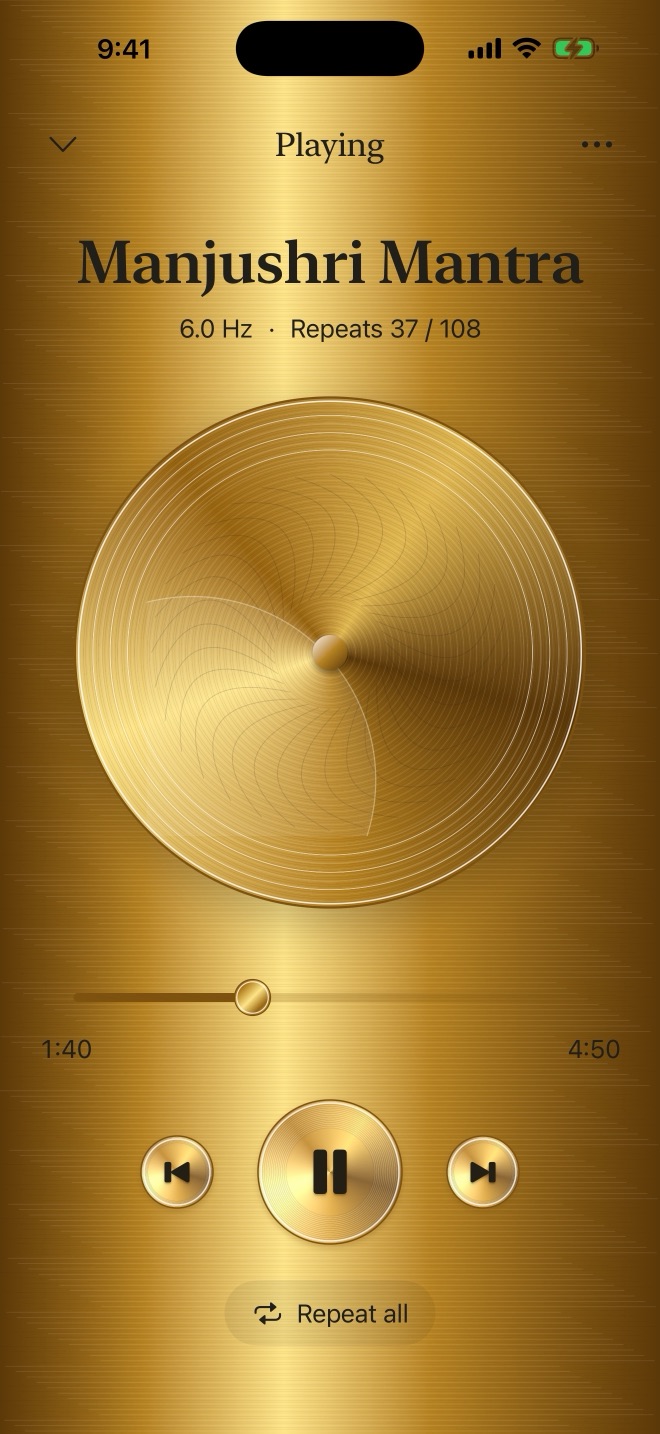
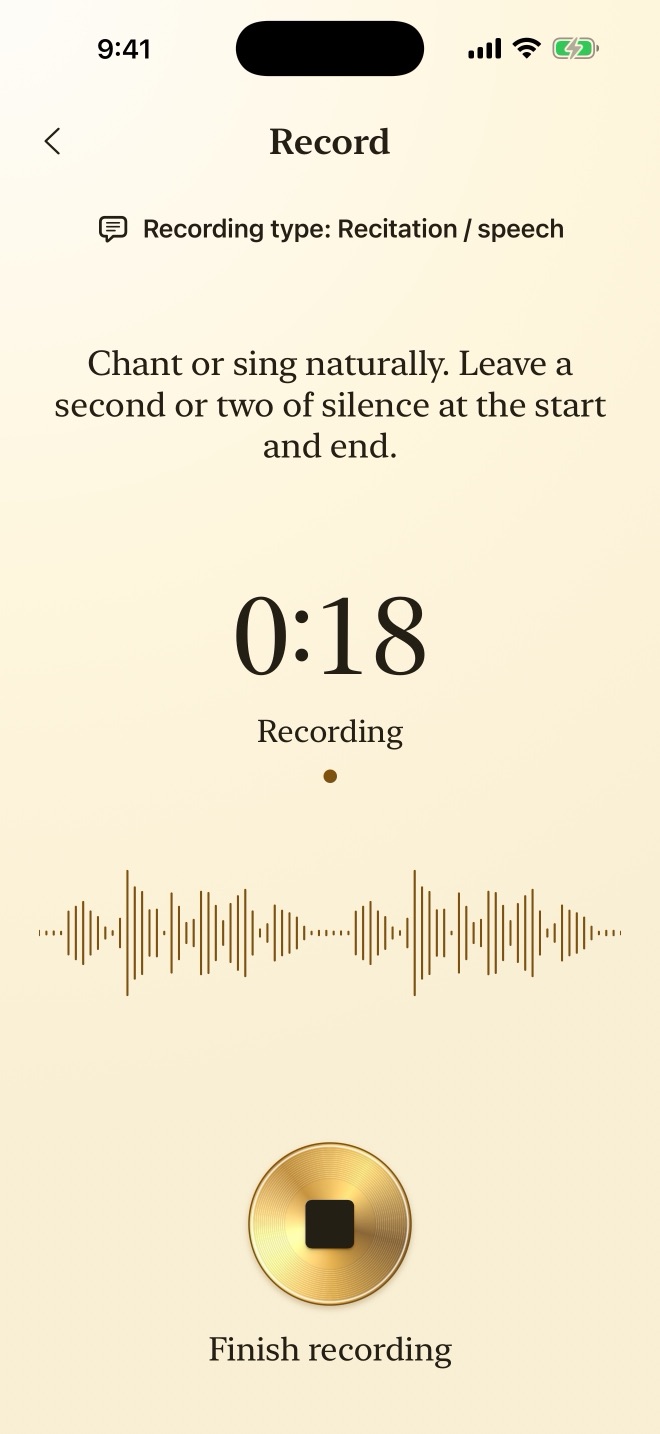
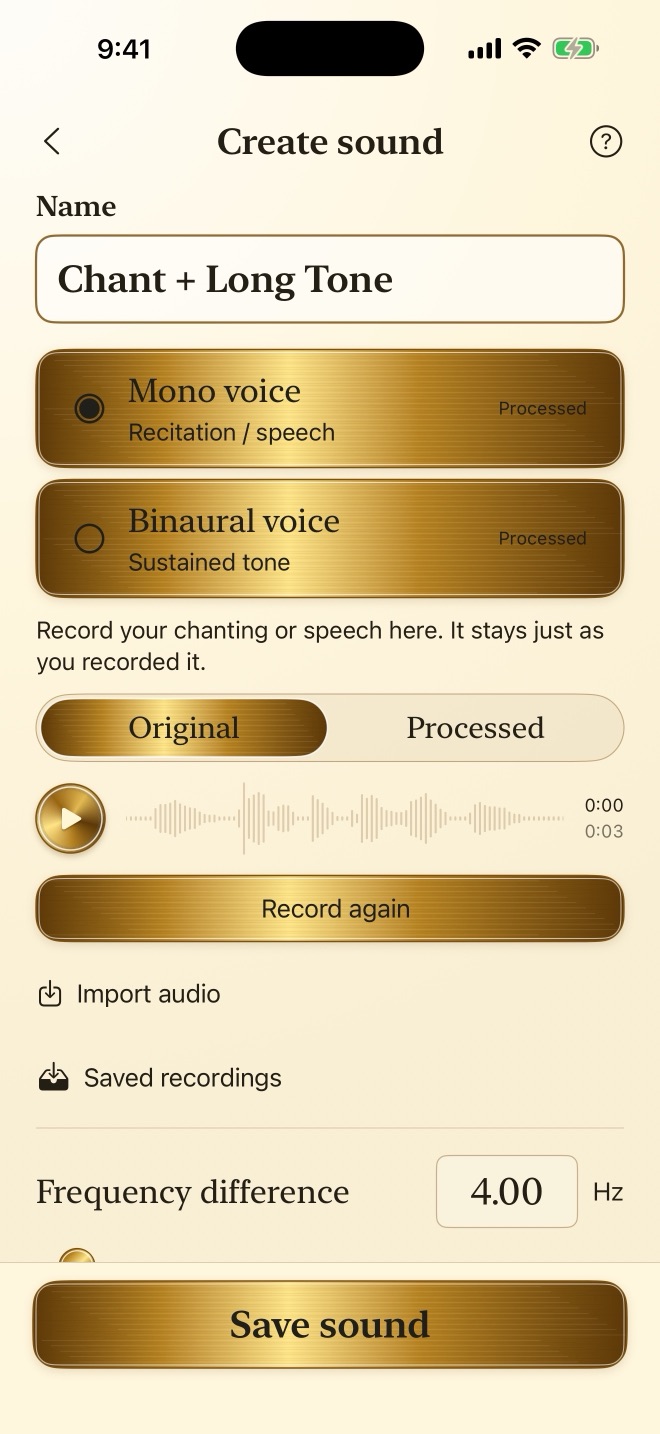
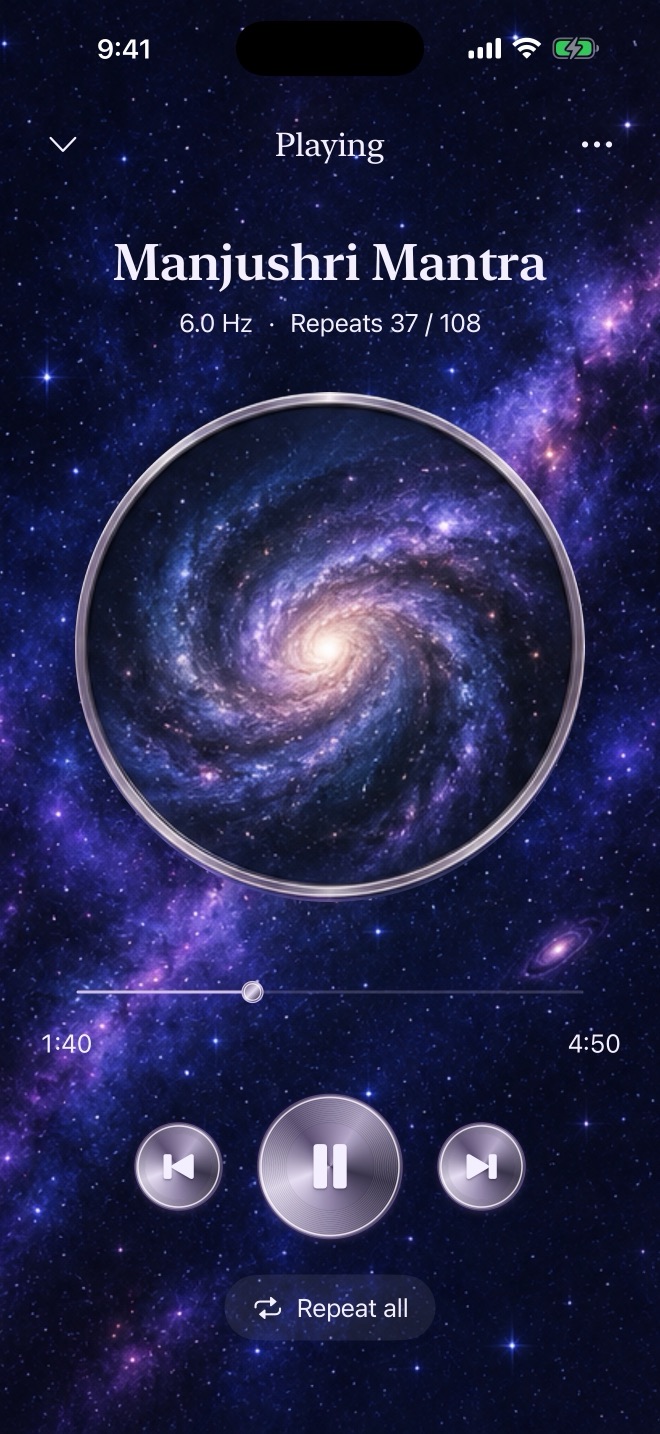
Record with your phone, or import an MP3, M4A or WAV file. Drag on the waveform to keep just the part you want.
Most of us waver a little when we hold a note. The app skips the shaky start and the fading end, evens out the middle and joins it into a tone with no audible break that still sounds like you.
When each ear hears a slightly different frequency, you get what's called a binaural beat. You choose how far apart the two ears are, add a soft background tone if you like, and set the volume and left/right position of voice and tone separately. Use your voice alone, a tone alone or both together, or record a chant and a long tone separately and combine them. Please listen with stereo headphones.
Choose how many times to repeat, or how long to listen, an hour for example, and the sound fades out when time is up. 100,000 or 1,000,000 repetitions are fine. Every sound remembers where you stopped and how many times it has played, even after you close the app.
Finished sounds go straight into your playlist. Press and hold to reorder. Repeat one, loop the whole list or shuffle. Playback continues when your phone is locked or you switch to another app.
Choose from seven looks (Gold, Silver, Midnight Blue, Emerald, Galaxy, Sacred Geometry and Source Radiance) or use one of your own photos.
Turn on iCloud sync to have the same sounds and settings on every iPhone and iPad signed in to your Apple Account.
Recording and sound processing stay on your device, and you don't need to create an account. This app does not provide medical diagnosis or treatment.
Recording, creating and playing sounds require a subscription. Monthly and yearly plans include exactly the same features, and first-time subscribers can try it free for 7 days. Prices are shown in the App Store.
Payment is charged to your Apple Account. Your subscription renews automatically unless you cancel at least 24 hours before the current period ends. You can cancel anytime in your App Store subscription settings. Your recordings and sounds stay saved after a subscription ends.